Best Travel Map Animation Tools in 2026
A hands-on comparison of the 5 best travel map animation tools in 2026. We tested each one for ease of use, video quality, and value — including free options that actually deliver professional results. Find your perfect tool now.
mult.dev Team
|February 24, 2026
|10 min read
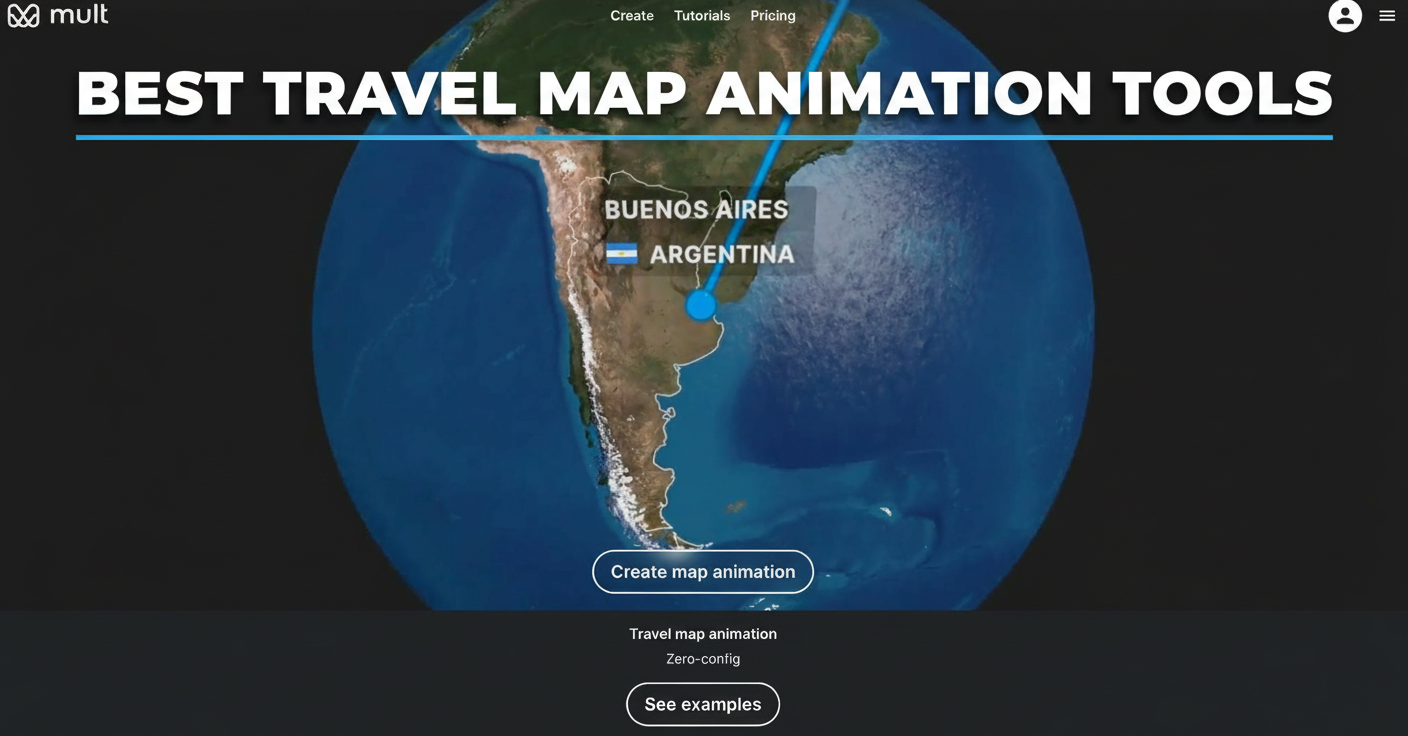
We tested the 5 best travel map animation tools, checked their functionality thoroughly, and detailed their key features and performance.
If you enjoy traveling and sharing your experiences on social media, or simply wish to create a memorable video of your trip without video editing expertise — this review shows you exactly which tool fits your needs. Whether you need quick social media clips or a polished keepsake for personal memories, you'll find the right option here.
| Tool | Best For | Free Plan | Max Export |
|---|---|---|---|
| Mult.dev | Bloggers & memories without hassle | ✅ Yes | HD / 4K |
| AnimateMyTravel | Zero-budget social posts | ✅ Yes (no limits) | 4K / 60fps |
| Mapimator | Pro YouTubers & detailed maps | ✅ Limited | 4K / 60fps |
| Travel Animator | Mobile-first & active trips | ✅ Limited | HD / 4K |
| PictraMap | Personal travel diaries | ✅ Yes | Standard |
1. Mult.dev
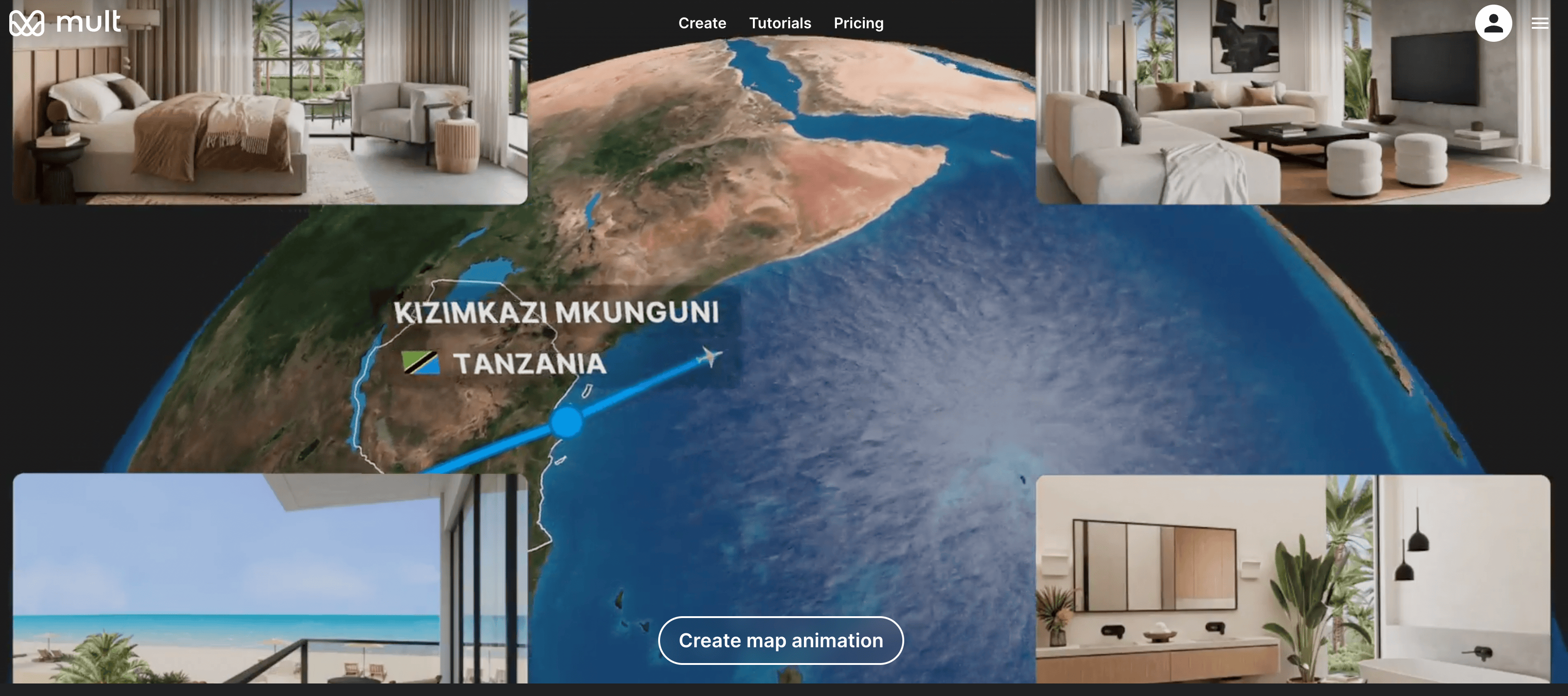
Why It's Perfect for You
Mult.dev does exactly what most travelers need: turns your trip route into a professional animation without any setup hassle. You open the website in your browser, type the cities you visited in order, select how you traveled there — plane, car, train, bus, or whatever — pick one of the map styles, and press Create.
A few seconds later you have a video. Smooth lines tracing your path, clean map backgrounds, motion that actually looks intentional. No software to download or video editing timeline to figure out. Even if you've never touched video software before, it just works.
What Makes It Different
- Works from any computer or tablet — everything processes online
- Transport icons for flights, cars, trains, buses, bikes — pretty much every way people travel
- Switch between satellite maps, classic road views, or stylized themes
- Select video resolution (640×640, 1280×1280, 1920×1920, and more)
- Add music tracks (upload your own or choose from presets)
- Adjust FPS (30 or 60) and preview before export
- Rendering stays fast — usually under a minute even for longer routes
- Support responds quickly if you run into issues
Pricing
Mult.dev offers clear, one-time purchase plans rather than subscriptions.
Free Plan — 5 videos, HD 720p at 30 FPS, basic transport types, and up to 10 Google Maps imports. Perfect for testing or occasional use.
Pro Plans (one-time purchase):
- Pro 5 ($5.99) — 5 videos, HD 1080p at 30 FPS, 10 Google Maps imports, land route colors
- Pro 25 ($24.99) — 25 videos, Full HD 1080p at 60 FPS, 100 imports, custom GPX/JSON/GeoJSON, land/sea routes, music support
- Pro 100 ($34.99) — 100 videos, same advanced features as Pro 25, highest volume for regular creators
Upgrade only when you hit limits or need higher resolution, custom file imports, or music. No recurring fees.
Verdict
Mult.dev solves the problem better than anything else we tried. Travelers get videos that look expensive without paying for expensive software or learning expensive skills. Use it first — you probably won't need anything else.
2. AnimateMyTravel
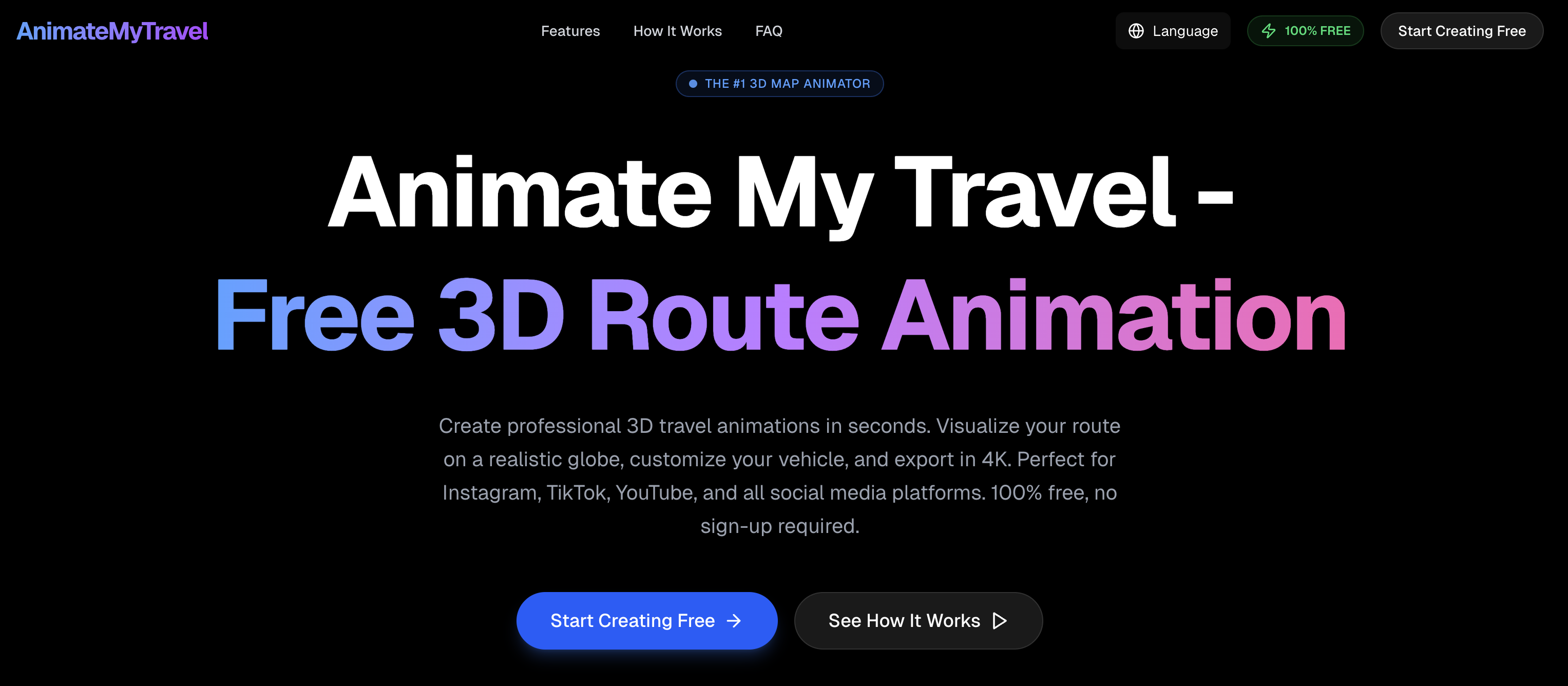
What It Does and How It Works
AnimateMyTravel keeps everything completely free with no account signup or hidden catches. You visit the website, enter your destinations one by one, select your travel mode, and export the finished video.
The main attraction is the 3D globe featuring real satellite imagery and terrain details. Instead of a basic flat map, your route glides across a photorealistic Earth, creating a cinematic effect that's genuinely impressive for something free. Export options include perfect 9:16 vertical format for TikTok and Instagram Stories — no awkward cropping required. The entire process runs client-side in your browser, so no personal data gets tracked or stored anywhere.
What Makes It Different
- Video quality reaches 4K resolution at 60 frames per second, always without watermarks
- Smart routing automatically calculates realistic paths between cities
- Handles flying, driving, walking, and cycling modes equally well
- Interface adapts smoothly to mobile devices for on-the-go creation
While the visuals impress, customization stays fairly basic compared to paid alternatives. You get solid results for straightforward trips, but multi-stop journeys with specific timing or styling preferences show the limitations quickly.
Pricing
The tool remains entirely free across all features. No premium upgrades exist, no export limits apply, no subscription prompts appear.
Verdict
In our opinion, AnimateMyTravel offers excellent value with its striking 3D visuals and complete lack of cost — perfect for simple social media content. That said, it lacks the depth, polish, and customization flexibility needed for more complex travel projects, where other tools in this roundup deliver noticeably better results.
3. Mapimator
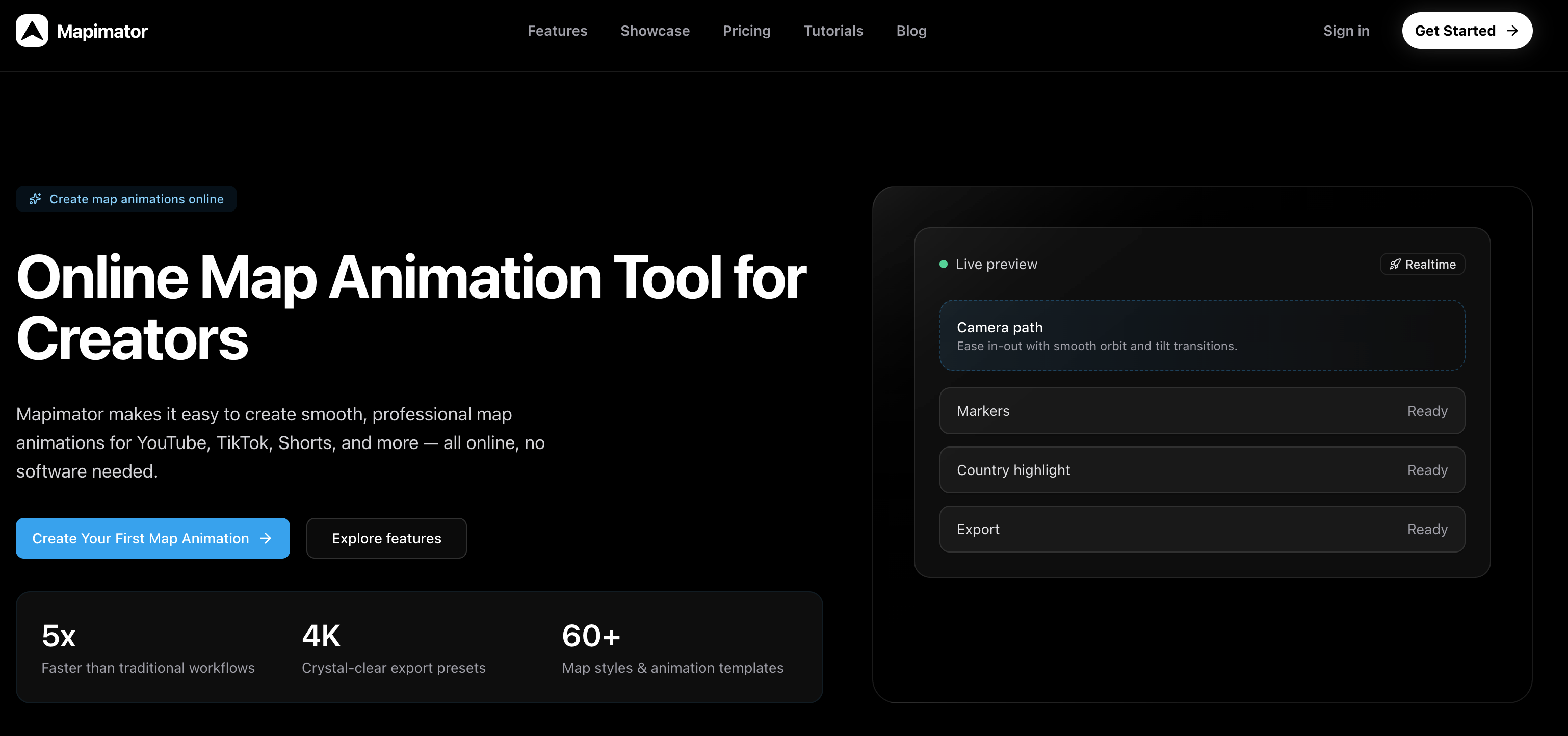
What It Does and How It Works
Mapimator targets creators who need precise control over their maps. If you're producing YouTube content where viewers need to follow exact routes, see highlighted regions, or watch custom camera movements, this tool delivers.
It builds broadcast-quality animations with layers, markers, and detailed motion. The headline feature — AI Map Director — lets you type instructions like "fly from Paris to Berlin and zoom on the border," and the AI constructs the sequence automatically. This saves significant time on complex projects, though expect a learning curve steeper than simpler browser tools.
The platform suits documentary videos, educational content, or detailed travel guides where maps convey specific information beyond basic routes.
What Makes It Different
- Over 60 map styles to match any brand aesthetic
- Export up to 4K at 60fps
- Keyframe timeline handles advanced camera work
- Collaboration features allow team review and shared projects
- Real-world driving data adds accuracy for road trip recreations
Customization depth impresses professionals but overwhelms casual users. Multi-layer projects shine here, though basic single-route animations feel unnecessarily complicated.
Pricing
- Free plan — limited to 720p exports with watermarks and basic features
- Pro plan — $12/month (or $99/year); unlocks 4K, no watermarks, unlimited AI Director uses, premium templates, and team tools
Verdict
In our opinion, Mapimator excels as a professional-grade solution for YouTube creators and teams needing sophisticated map storytelling. However, Mult.dev outperforms it significantly for everyday travelers — faster setup, simpler interface, and better results without the learning curve or monthly fees. Casual vacation videos belong on simpler tools.
4. Travel Animator
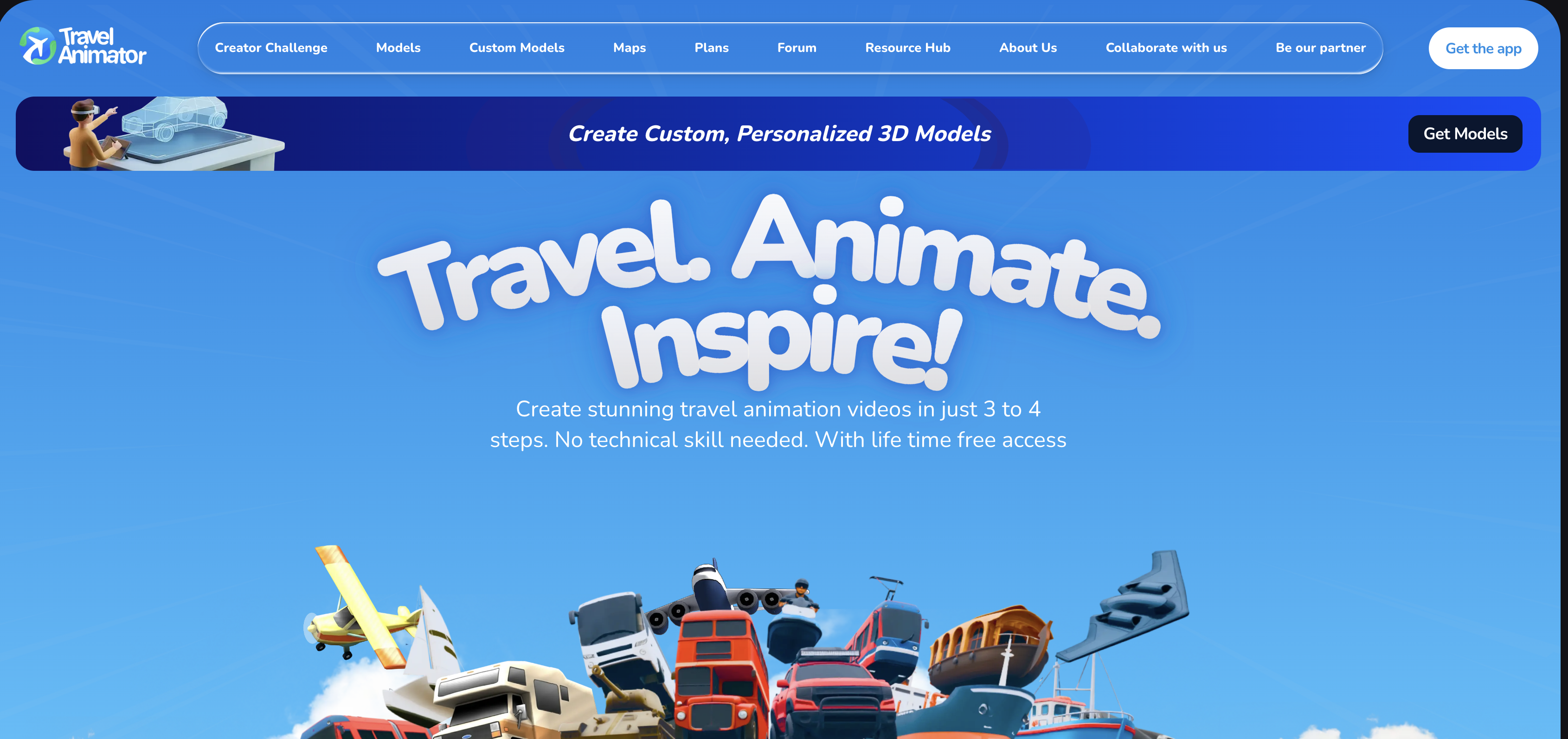
What It Does and How It Works
Travel Animator stands apart as a native mobile app for iOS and Android — the only tool here designed for phone-first creation. Perfect for travelers who want to document routes while still on the road, whether waiting at an airport gate or riding a long bus journey.
Its strongest feature is GPX file import. Hikers, cyclists, runners — anyone with GPS data from a smartwatch, fitness tracker, or phone app — can upload their exact tracked path. No manual waypoint entry required. You can also attach photos directly to specific points along the route, turning a basic path animation into a visual travel diary.
The app integrates Google Maps routing for standard trips and offers 30+ map styles in both flat and globe projections. Rated 4.6/5 by users who value its on-the-go workflow.
What Makes It Different
- Everything happens inside a native mobile experience — smoother than browser tools on phones
- GPX support handles real-world tracked data with precision other platforms can't match
- Photo-to-waypoint attachment creates storytelling depth beyond simple route lines
- 30+ map styles cover most adventure needs, from topographic views for hikers to satellite imagery for overland trips
- Google Maps integration fills gaps when you lack GPS files
However, the mobile-only design means no large-screen editing. Complex multi-stop international trips feel cramped compared to desktop-optimized alternatives.
Pricing
- Free download on both iOS and Android stores — basic features work immediately
- Subscription unlocks premium map styles, higher resolution exports (HD/4K), and removes usage limits
Verdict
In our opinion, Travel Animator delivers unmatched value for active travelers needing GPX import and mobile creation — nobody beats it for on-the-go documentation. That said, Mult.dev handles the same adventures faster on desktop with simpler workflows, broader transport options, and no app store restrictions. Choose this for phone-centric lifestyles; otherwise, browser tools win for flexibility.
5. PictraMap

What It Does and How It Works
PictraMap builds interactive maps that live right inside blog posts or websites, not videos. You pick a map style, drop custom pins on your destinations, add photos or notes to each spot, then embed the finished map wherever you want it to appear. Readers can click around, exploring your actual route step by step.
Think of a post titled "10 Days Across Italy" — instead of static screenshots, visitors hover over custom pizza-slice icons in Naples, train symbols between cities, or beach markers on the Amalfi Coast. The map loads fast and looks like it belongs on your site, matching fonts, colors, even adding quiet background music as people browse.
No video files to render. No exports. Just copy-paste code that works everywhere.
What Makes It Different
- Swap pin shapes between stars, flags, cameras, hearts
- Color-code sections of your trip (budget days vs. splurges)
- Layer in text popups, gallery thumbnails, distance markers
- Layout templates fit clean minimalist blogs or busy travel sites equally well
- Maps stay responsive across phones, tablets, desktops without extra coding
- Clickable elements encourage readers to spend more time on your post — good for both storytelling and basic SEO
- Commercial licensing available if clients want branded versions
Note: Video creators find almost no value here. TikTok won't autoplay an interactive map. Instagram can't embed it. The tool solves a different problem entirely.
Pricing
- Basic (free forever) — standard pins, maps, 10–15 locations max
- Paid plans — unlock unlimited stops, premium icons, photo galleries, custom domains, and client-ready exports starting around $10 one-time
Verdict
PictraMap owns the interactive blog map niche. Nobody builds clickable, styled travel maps for websites as cleanly. But video? Forget it. Mult.dev runs circles around it there — actual moving animations that play anywhere, anytime. Use PictraMap when readers linger on posts. Reach for something else when you need clips that share.
Five tools, five different approaches to the same problem. If you want a great-looking travel map animation without any headaches — Mult.dev is where we'd start every time. Free plan, fast results, no learning curve. Most travelers never need anything else.
AnimateMyTravel earns its place for anyone on a zero budget who wants that 3D globe look. Travel Animator solves a very specific problem for GPS-tracked adventures. Mapimator is genuinely powerful if you're building a YouTube channel and need professional-grade maps regularly. PictraMap lives in its own lane — blog embeds, nothing more.
Frequently Asked Questions
Which tool works best if I'm not technical?
Mult.dev wins here. You type your cities in order, pick how you traveled (plane, car, etc.), choose a map style, and hit create. Video ready in under 2 minutes. No downloads, no tutorials — just results.
Can I create vertical videos for TikTok and Instagram Reels?
AnimateMyTravel and Mult.dev both export perfect 9:16 vertical format. Mult.dev edges out slightly because the workflow stays dead simple even when you're rushing a quick Reel between destinations.
Which option is completely free?
AnimateMyTravel runs 100% free — 4K exports, no watermarks, no account needed. Mult.dev free plan also lets you create and download solid videos before any upgrade prompts appear.
What works for hiking or cycling routes with GPS tracking?
Travel Animator handles GPX files natively. Upload your watch or phone tracking data, and it recreates your exact trail or bike path, turn by turn. Nobody else does this as cleanly.
Which tool produces the most professional videos for travel vlogs?
Mult.dev gives you smooth, modern animations immediately — perfect polish without effort. Mapimator reaches broadcast quality but requires learning keyframes and layers first.
Do any of these require software downloads?
Mult.dev, AnimateMyTravel, Mapimator, and PictraMap all work straight in your browser on any device. Travel Animator requires downloading the iOS or Android app.
Why choose Mult.dev compared to the other tools?
It finishes fastest from blank page to shareable video. Handles most trips perfectly without subscriptions or complex menus. Unless you specifically need GPX files or blog embeds, this covers everything better.
If you're just starting out, you'll also find these articles useful:
– How to Create Your First travel map animation in mult.dev
– How to Import a Route from Google Maps into mult.dev and Create a Travel Animation
Published on February 24, 2026
Last updated on February 24, 2026